Young Futures Digital
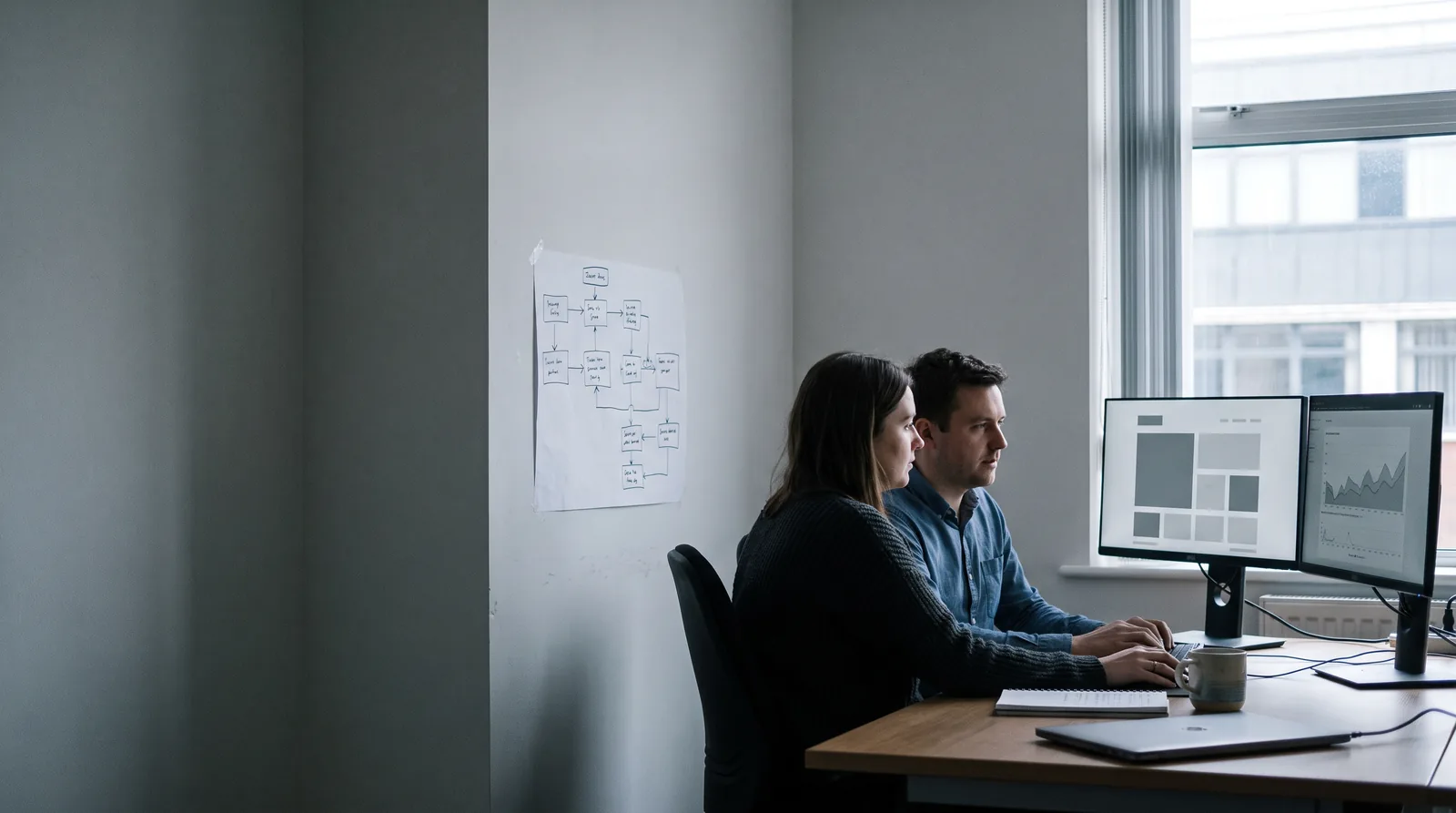
A tidy British office in the morning: two colleagues at a desk with dual monitors showing plain dashboard and chart blocks, a printed process diagram of boxes and arrows pinned to the wall beside them.
Service 03 Services / Microsoft Business Solutions

Get more out of the licences you already pay for

Most organisations are paying for far more Microsoft capability than they use. We build business apps, automate the workflows still being done by hand, connect the systems that do not talk to each other, and turn the reporting into something a board can read — inside the environment your team already knows and your IT policy already allows.

What we build inside your Microsoft environment

■ 03.0 Back-office process mapped, then automated — inside tooling you already licence Business apps · Automation · Integration · Reporting
  • RegisteredLondon-based, registered in England and Wales
  • DeliverySenior-led — the people you brief do the work
  • DataUK GDPR and data protection by design
  • AccessibilityWCAG 2.2 AA as standard, not an extra
  • PricingA written scope before any quote
  • ContactDirect with the team, no account layer
01 The problemDiagnosis before build

Diagnosis first

The capability is bought. The process is still manual.

We do not quote until we understand what is actually going wrong. The first conversation is free, and it ends with a clear recommendation and a realistic figure — not a sales follow-up.

Three systems. The same figures. Typed in three separate times.

Spreadsheets passed around by email, approvals chased by hand, and a workaround that has survived another year because it just about works. The tools that would end all of it are already licensed, and already approved by your IT team.

It happens for understandable reasons. Nobody owns the platform, so it never gets configured beyond email and documents. The people who can see the process problem are not the people who could build the fix. Anything that looks like a new system triggers a procurement conversation, so the workaround survives another year.

Building inside Microsoft removes most of that friction. There is no new supplier to assess, no new place your data goes, and no new login for staff to forget. It is not the right answer for everything — heavy, high-volume or highly bespoke systems belong in a proper software build, and we will say so — but for internal process work it is very often the fastest route to something genuinely useful.

02 What we buildScope, in plain terms

The work itself

Inside your environment, under your governance.

Built in your own tenant, under your own data-protection and retention policies, using the licences you hold. We document the configuration so your IT team or another supplier can maintain it.

01

Internal business apps

The form, register or tracker that a department needs and IT has not had capacity to build: requests, inspections, assets, onboarding, incidents, room and equipment bookings. Available on desktop and phone to the staff who need it and nobody else.

  • Request, booking and inspection apps
  • Asset, equipment and stock registers
  • Incident and issue logging
  • Onboarding and leaver checklists
  • Mobile capture with photographs
  • Role-based access, aligned to your directory
02

Workflow & approval automation

Approvals that route themselves, notifications that fire on the right event, and the nightly routine nobody should be doing by hand. The chasing email becomes a status everyone can see.

  • Multi-step approval routing
  • Deadline, escalation and reminder logic
  • Document generation from a template
  • Scheduled and event-triggered routines
  • Notifications in Teams and email
  • Full audit trail of who approved what
03

Integration between systems

Getting your finance system, HR system, website, e-commerce and Microsoft environment to agree. A figure entered once, appearing everywhere it is needed, with an error report rather than silent failure.

  • Connections to finance, HR and payroll
  • Website and e-commerce data flows
  • Bi-directional sync with clear precedence
  • Error handling and failure alerting
  • Scheduled reconciliation reports
  • Bespoke connectors where none exists
04

SharePoint, documents & intranet

Document control that survives contact with real staff: a structure people can navigate, permissions that reflect who should see what, retention that satisfies your policy, and version history instead of eleven files with FINAL in the name.

  • Site and library structure
  • Permission models and external sharing rules
  • Retention, labelling and archiving
  • Metadata and search that finds things
  • Intranet and staff landing pages
  • Migration from shared drives
05

Reporting & dashboards

Reporting built from your live data rather than assembled by hand each month. One version of each figure, defined and written down, with the definition visible next to the number.

  • Operational and management dashboards
  • Board, funder and statutory reporting
  • Agreed, documented metric definitions
  • Scheduled distribution to inboxes
  • Drill-down from summary to record
  • Refresh you can trust, and monitor
06

Governance, review & handover

A configuration review before anything is built on top of it, and a written record of what exists afterwards. This is what keeps a useful internal app from becoming next year’s undocumented dependency.

  • Review of current configuration and licences
  • Naming, environment and lifecycle standards
  • Data protection and retention alignment
  • Documented ownership and dependencies
  • Training for your team and IT
  • Support arrangement only if you want one
03 How it runsFive stages, five decisions

Stage by stage

You always know what happens next.

Every stage ends with something written and a decision that belongs to you. Nothing proceeds on an assumption we have not put in front of you.

  1. 01ReviewWhat you already licence, how it is configured today, and where the manual work actually sits. Often the first finding is capability you are paying for and not using.
  2. 02ScopeA written scope with the process to be automated, what stays manual, the licence implications stated plainly, and a fixed price.
  3. 03BuildBuilt in your tenant, in stages, with the staff who will use it seeing it early enough to change it.
  4. 04Test & governTested with real cases and real permissions, then documented: what it is, who owns it, what it depends on.
  5. 05Roll out & trainRolled out with training and a short written guide, so adoption does not depend on one enthusiast.

The full seven-stage delivery method, with the deliverable at each stage

04 What you getIn writing, and yours

Ownership

Yours to keep, and to take elsewhere.

Everything we make is handed over in full — the files, the code, the accounts, the documentation. Most clients stay with us because the working relationship earns it, not because anything is held back.

Written scopeThe process, the build, the exclusions, the licence implications and the price — before work starts.
Configuration recordWhat was built, where it lives, what it depends on and who owns it.
Your tenantEverything sits in your environment, under your data-protection and retention policy.
DataYours throughout, exportable at any point, with no copy held by us after handover.How we handle data
TrainingFor the staff using it and the IT team maintaining it.
Honest limitsWhere Microsoft is the wrong tool, we say so and quote for the right one instead.
05 Straight answersCost · Ownership · Risk

Before you email

The questions we get asked most.

Answered plainly, so you can rule us in or out without a meeting. If the answer you need is not here, ask — we will give you the same straight answer by email.

Q1 Will this need new licences?

Sometimes, and we state it in the scope before you commit rather than after. A great deal can be done on standard Microsoft 365 licensing. Where a premium licence is genuinely needed we say what it costs per user and let you weigh it against a different approach.

Q2 Our IT team is cautious about anything new. How do you handle that?

By involving them from the review onwards and building to their standards. Nothing leaves your tenant, no new supplier holds your data, and we hand over a written configuration record so they are never maintaining something undocumented.

Q3 Is this as good as bespoke software?

For internal process work it is often better value and faster to deliver. For high volume, complex logic, public-facing use or anything needing precise control of performance and interface, a bespoke build is the right answer. We tell you which one you are looking at during the review, before you have spent anything.

Q4 What happens if the person who understands it leaves?

That is exactly the risk the governance stage addresses. Ownership, dependencies and configuration are written down, and your team is trained. It should not depend on one person — including one person at our end.

Q5 Can you fix something already built badly in-house?

Yes. A review and a rebuild of the fragile parts is common work, and cheaper than starting over. We will tell you which parts are worth keeping.

Q6 Do you offer ongoing support?

Yes, with a stated response time — or your own IT team can maintain it from the documentation. It is never a condition of the build.

07Work with usWe reply within three working days

Bring us the problem.
We’ll build the solution.

Send a short outline of the work, your timeline and a budget range if you have one. We will come back with a written scope, an honest view of the risks, and a price.

hello@youngfuturesdigital.co.uk