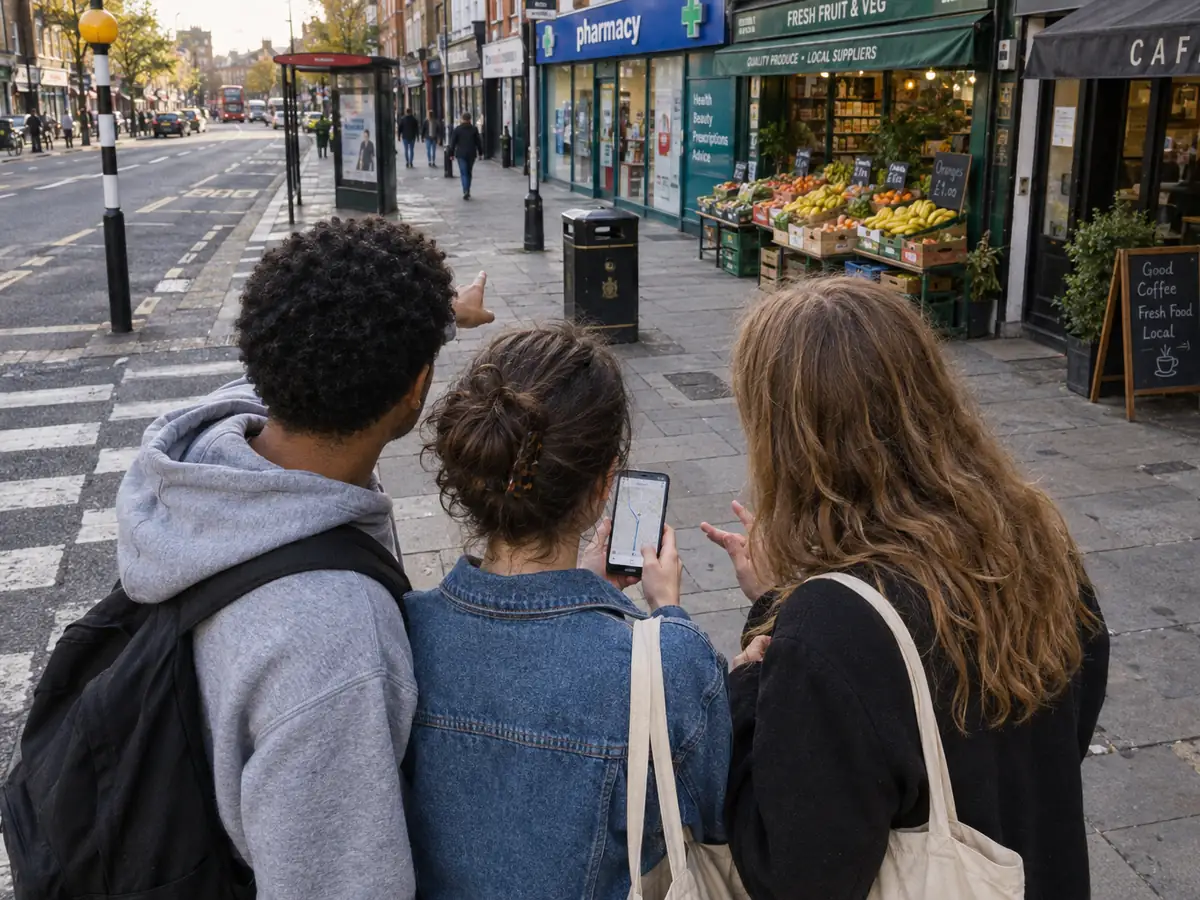
Location is the most useful data a safety or access service can touch. It lets a service show what is nearby, suggest a route and understand where support is missing. It is also the most dangerous. A precise location, tied to a young person, held for longer than needed or exposed to the wrong people, can do exactly the harm the service exists to prevent.
This checklist is what we apply to any location-aware feature. It draws on the ICO’s Children’s code, which treats geolocation as a specific risk, and on the practical experience of designing services that young people will actually use. It is written for product teams and the data protection officers who have to sign off their work.
Before you design anything
- Write down why you need location at all. “Because the map looks empty without it” is not a purpose. “To show the three nearest open support services” is. If the purpose can be met with a postcode district or a manually chosen area, use that instead.
- Do the DPIA first. Processing children’s location is high risk under UK GDPR. A data protection impact assessment is not optional and it is not a form to fill in after the build. It should shape what the product does.
- Decide who the service is for. If under-18s will use it, or are likely to even if it is not aimed at them, the Children’s code standards apply. Design for the youngest person likely to use it.
Defaults
- Off by default. Location is not switched on unless the person chooses to turn it on, having been told in plain language what it does. For children, the code expects off by default unless there is a documented best-interest reason.
- Obvious when active. A clear, persistent indicator shows that location is in use. It should be as visible as a recording light.
- Temporary. Location switches itself off at the end of the task or the session. Do not rely on the person remembering.
- No nudges. No dark patterns that make “allow” the easy choice and “don’t allow” the buried one. Both options are presented equally.
Precision and retention
- Lowest precision that works. If the service needs to know which borough someone is in, do not collect GPS coordinates. Coarsen at the point of collection, not afterwards.
- Shortest retention that works. A route suggestion needs location for the duration of the journey. It does not need a history. Delete on completion unless there is a documented purpose and the person has agreed to it.
- Never store a young person’s location history. Even aggregated, even anonymised, a pattern of locations over time identifies a person and their home, school and routine.
Exposure
- Never expose precise location publicly. Not to other people using the service, not on a shared map, not in a community report. Community reports should be tied to a place, not to the reporter.
- No location sharing between people using the service. Friend-finding and “who is nearby” features are a safeguarding risk for children and are excluded by default. If a partner asks for one, the DPIA has to justify it and the safeguarding lead has to agree.
- Separate location from identity. Where location has to be processed, keep it apart from account data with access controls that make joining the two an exception, logged and reviewed.
Safety features specifically
- Be honest about what a route is. Route options can be informed by trusted public information, nearby resources and community-reported concerns. No suggested route can be guaranteed risk-free, and the interface must say so, every time, in words a young person will read.
- Show the source of every layer. Official data, partner data and community reports are labelled separately with their age, coverage and verification status. Community reports may be incomplete, delayed or unverified.
- Test for bias before launch. Low-reporting areas must not appear safer. Check reporting rates by area and group and adjust the presentation, not the data, to make gaps visible.
- Keep a human in the loop. Any decision that materially affects someone’s safety, such as escalating a report or changing what a map shows, has a person accountable for it.
- Signpost emergencies and say what you are not. Clear routes to 999 and to relevant support, alongside a plain statement that this is not an emergency service and nobody is monitoring it in real time.
Explaining it to young people
None of this works if the person using the service does not understand it. Write privacy information for young people in words they would use, test it with them and put it where they will see it, at the moment location is requested, not in a policy page. Our own privacy information for young people is one attempt at this and we revise it when young people tell us it is unclear.
A final test
Before launch, ask one question of every location feature: if this data leaked tomorrow, who could be harmed and how? If the answer includes a child’s home, school or routine, the design is not finished.
The guardrails we apply to our own work are published in how we work. The ICO’s Children’s code guidance is the primary source and should be read in full by anyone signing off a children’s service.
About this article. Written by the Young Futures Digital team from practitioner experience and published guidance. This is general guidance, not legal advice.